
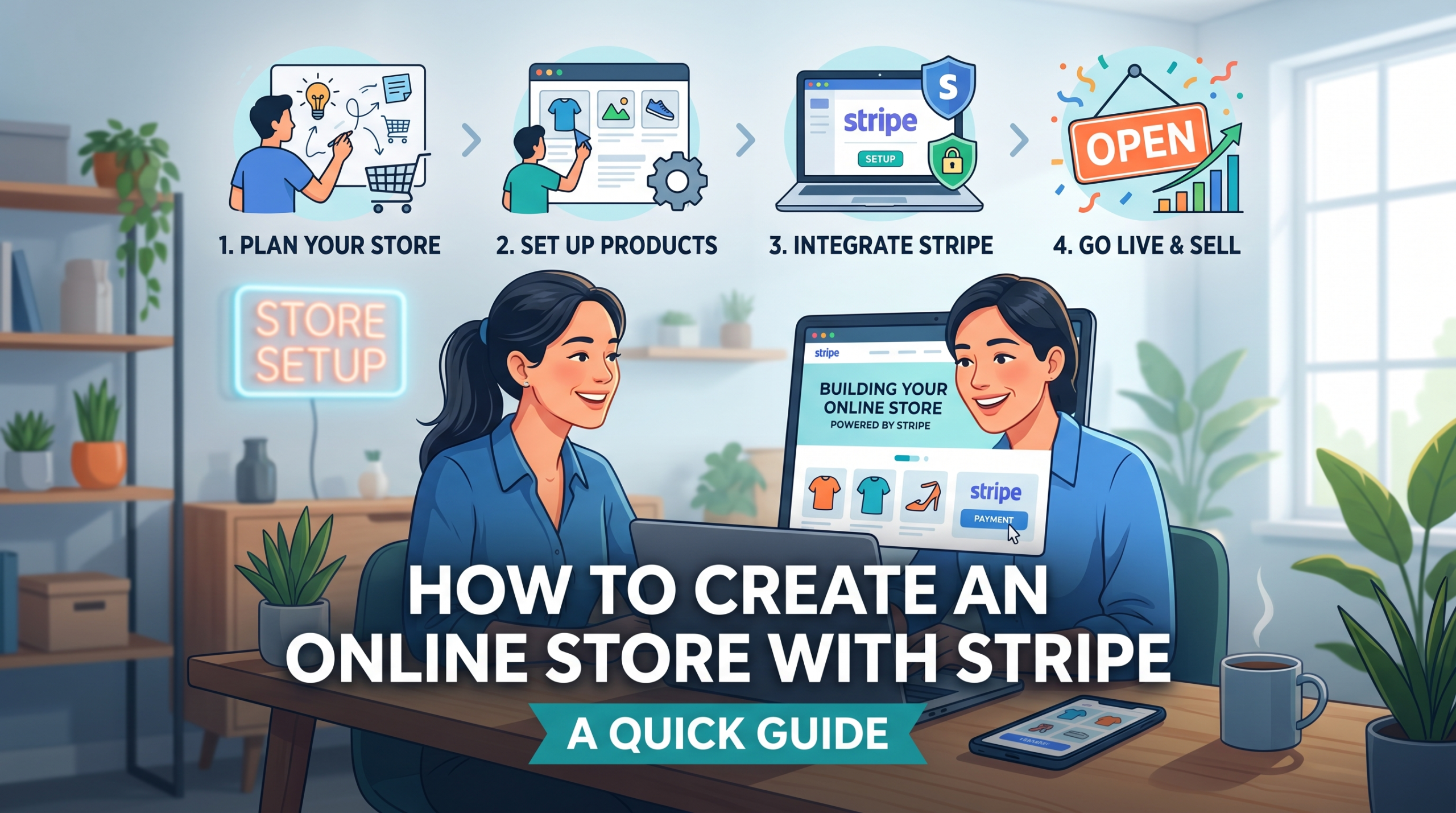

How To Create An Online Store With Stripe: A Quick Guide. That’s our topic for this blog post. If you’re planning to set up an online store and need a smooth payment solution, Stripe stands out as a super popular choice. It offers great tools for accepting credit cards, managing subscriptions, and handling worldwide pay outs. I’ve worked with many people launching their first store with Stripe, so I’m here to break down everything you need to kick things off quickly, even if your tech experience is limited.

Why Choose Stripe for Your Online Store
Setting up a shop online means sorting out payments, and Stripe is very popular for good reason. You get a secure and flexible payment processor that works with all kinds of websites, from WooCommerce to custom web apps. Stripe manages credit cards, bank payments, digital wallets, and even recurring billing for memberships. Plus, the dashboard is clean and easy to use, making it friendly for both beginners and seasoned sellers.
One thing I really appreciate is that Stripe doesn’t lock you into big contracts. You pay as you go, which makes it a low risk way to launch. Stripe continuously improves its tools, so you get up to date security and new features without needing to handle awkward upgrades or addons. It’s perfect for new stores and those that are already growing.
| Step | What To Do | Tool | Result |
|---|---|---|---|
| 1. Create Account | Sign up and verify Stripe | Stripe | Payments enabled |
| 2. Build Store | Choose platform | Shopify / WooCommerce | Store ready |
| 3. Add Products | Upload listings | CMS | Inventory live |
| 4. Connect Stripe | Link payment gateway | Stripe API | Checkout working |
| 5. Test & Launch | Run test payments | Stripe Test Mode | Ready to sell |
Planning Your Online Store
Before you get into the technical side, having a clear plan for your products and how you want to sell them saves tons of time later. Here’s how I usually approach this:
- Pick what you’ll sell: Are you offering physical products, digital downloads, subscriptions, or a mix?
- Choose your website builder: Popular options include Shopify, Wealthy Affiliate, WordPress with WooCommerce, Squarespace, or custom platforms. Nearly all support Stripe.
- Write out store policies: Returns, privacy, shipping, buyers really do notice these details.
- Set up a business bank account: This simple step makes Stripe pay outs much easier to track and keeps your books tidy.
Once these foundations are set, you’re in a strong position to set up your store with Stripe and avoid major headaches later.
How To Set Up Stripe for Your Online Store
Stripe is optimized to work with many ecommerce tools, so set up is generally quick. Here’s my go to process:
- Sign up for a Stripe account: Visit the Stripe website and register. You’ll need your business details, bank info, and an active email address.
- Verify your account: Stripe may request identification and basic business paperwork. It’s mainly a safety measure to prevent fraud.
- Connect Stripe to your store: Most major platforms provide a Stripe plugin or direct option in payment settings. For example, Shopify connects through your Stripe login, while WordPress WooCommerce offers a quick plugin install.
- Test your payments: Stripe provides a handy ‘Test Mode.’ Always run some sample purchases to check your system before serving actual customers.
- Set your pay out schedule: Stripe lets you determine how often funds land in your bank account. Weekly pay outs are typical, but you can pick a rhythm that fits your business.
Stripe’s guides walk you through every step with screenshots. If your website is custom built, you might need a developer to manage the coding side of things.
Important Features that Make Stripe a Good Pick
Running a store online is all about providing smooth and professional experiences. Here are some eye catching features built into Stripe that you’ll really like:
- Secure payments: Stripe safely handles payment information, keeping customer data protected without adding extra work for you.
- Automatic receipts: It sends branded email receipts automatically with every purchase, so your buyers get professional confirmation.
- Fraud protection: Built in tools flag or stop suspicious payments, so you’re not worrying about every charge back or odd transaction.
- Flexible checkout: Stripe Checkout lets you embed a mobile friendly payment page, no tricky code needed.
- Subscription management: If you offer memberships or recurring products, Stripe manages billing cycles and customer renewals, saving you piles of time.
- Easy refunds: You can process a refund with just a few clicks. Super handy when customer service issues pop up.
All of these tools are available from the first moment, with no added cost beyond the regular payment processing fees.
What to Watch Out For Before Launching Your Store
Building an online shop with Stripe is usually straight forward, but there are some details to check out before launching. Here are a few things I always talk through with new shop owners:
- Payment fees: Stripe usually charges a flat fee per transaction along with a percentage, similar to PayPal and other top payment processors. Make sure your prices account for this.
- Supported countries: Stripe operates in many countries, but not everywhere, so double check that both your location and your customers’ countries are supported.
- Product rules: Stripe prohibits certain items (like some supplements or adult content). Make sure your products are allowed, or your account could be frozen.
- Bank account verification: Update or verify your bank info ahead of time to avoid pay out problems once you’re live.
- Sales taxes: In some locations, Stripe can help collect tax, but it’s still smart to learn about your regional rules or check in with an accountant.
Clearing up these small points can save a lot of hassle and help your launch go smoothly.
Common Challenges for New Stripe Store Owners
While Stripe is reliable, there are a few quirks that can trip up new store owners. Here’s what to keep in mind:
- Payment delays: Pay outs might be slow at first, especially for new accounts. It’s wise to have back up funds to cover early costs while waiting for your money.
- Disputes and chargebacks: Sometimes customers get a refund through their bank, which means fees for you. Clear policies and communication help avoid most mix ups.
- Integration bugs: Sometimes plugins or payment forms get buggy after website updates. Always test in Test Mode and keep your software up to date.
- Email deliverability: Order confirmations or receipts could end up in buyers’ spam folders. Ask your customers to check if something seems missing.
A little preparation will help you find your way through these common issues easily. The Number 1 Reason People Fail Online.
Tips to Take Your Stripe Store to the Next Level
Once you’re comfortable with regular sales, adding a few extra touches can give your shop a bump in professionalism and efficiency:
Set up automated email flows: Integrate Stripe with Mailchimp or your website’s email tools. You can send post purchase emails, review requests, and occasional discount codes.
Use analytics: Stripe’s dashboard tracks payments, refunds, failed transactions, and more. Keep an eye on these stats to spot trends or address customer drop off points quickly.
Offer multiple payment methods: Activate Apple Pay, Google Pay, and regional wallets, making checkout easier for different shoppers.
Customize invoices and receipts: You can brand Stripe’s documents with your logo and tailor the messaging, keeping everything polished.
These tweaks help your shop stand out and create a seamless experience for customers, making them more likely to return. Start A Business With No Money: A Realistic Blueprint.
Popular Real World Uses for Stripe Stores
Stripe isn’t just for selling products. I’ve watched clients put it to work for all kinds of ventures:
- Coaches and consultants: Accept bookings and one off payments for services, packages, or bundles.
- Artists and musicians: Sell digital music, courses, merch, and even event tickets.
- Subscription boxes: Handle recurring monthly billing and deliveries without a hitch.
- Charitable donations: Non profits appreciate Stripe’s easy and secure giving options right on their sites.
If you have a business idea, Stripe probably has a feature or tool to help you transform it into a thriving store. With just a little set up, you can track down solutions to meet almost any selling need online.
Frequently Asked Questions
Here are answers to some of the most common questions I get from people launching their first Stripe powered store:
Q1: How fast can I launch a store with Stripe?
Answer: If your website’s ready, you can start taking payments in less than an hour. For new sites, connecting Stripe is one of the last set up steps.
Q2: Do I need to be a developer to set up Stripe?
Answer: If you’re using website builders like Shopify or Squarespace, they’re made to make it easy for anyone. WordPress users can rely on the WooCommerce Stripe plugin, which means no code at all. Only custom websites may need a developer, but Stripe’s guides are clear and walk you through each step.
Q3: Is Stripe safe for my customers?
Answer: Yes. Stripe meets PCI compliance standards, using strong encryption and secure data handling to keep payment info protected.
Q4: What happens if a customer asks for a refund?
Answer: Process refunds in just a couple of clicks from your Stripe dashboard, and the customer receives their money back within a few days. It’s easy to track all refunds.
Q5: Can I use Stripe even if my business is new?
Answer: Definitely. Stripe is a good fit for start ups and small solo ventures alike. As long as you can verify your business, you can start using Stripe right away.
Q6: What are Stripe’s fees like?
Answer: Each transaction carries a fixed percentage and a small flat fee. Fees are clearly published and there are no hidden monthly charges. Check the rates and compare them to PayPal or Square for the specifics in your country.
Q7: Does Stripe work in every country?
Answer: Stripe serves many countries, but not all. Check their support page to confirm it works where you and your customers are based.
Q8: Can I sell subscriptions or recurring memberships?
Answer: Absolutely. Stripe lets you put recurring billing on autopilot for memberships, SaaS, or subscription boxes, making it easy to earn steady income.

Summary
Getting your online store up and running with Stripe is generally straight forward. The platform’s ease of use, flexibility, and strong security are why so many new shops and established brands use it. Plan ahead, check out Stripe’s tools, and take a bit of time to explore its features. With everything set up right, you’ll be ready to take payments and serve customers, without technical headaches or unpleasant billing surprises ahead.
Related Article
Many thanks for reading this article on How To Create An Online Store With Stripe: A Quick Guide. I hope that you have taken some value from it and inspiration to get cracking on creating your own online store. If you have any questions, leave a message in the comments box below and I will get back to you.
All the best!
Eamon