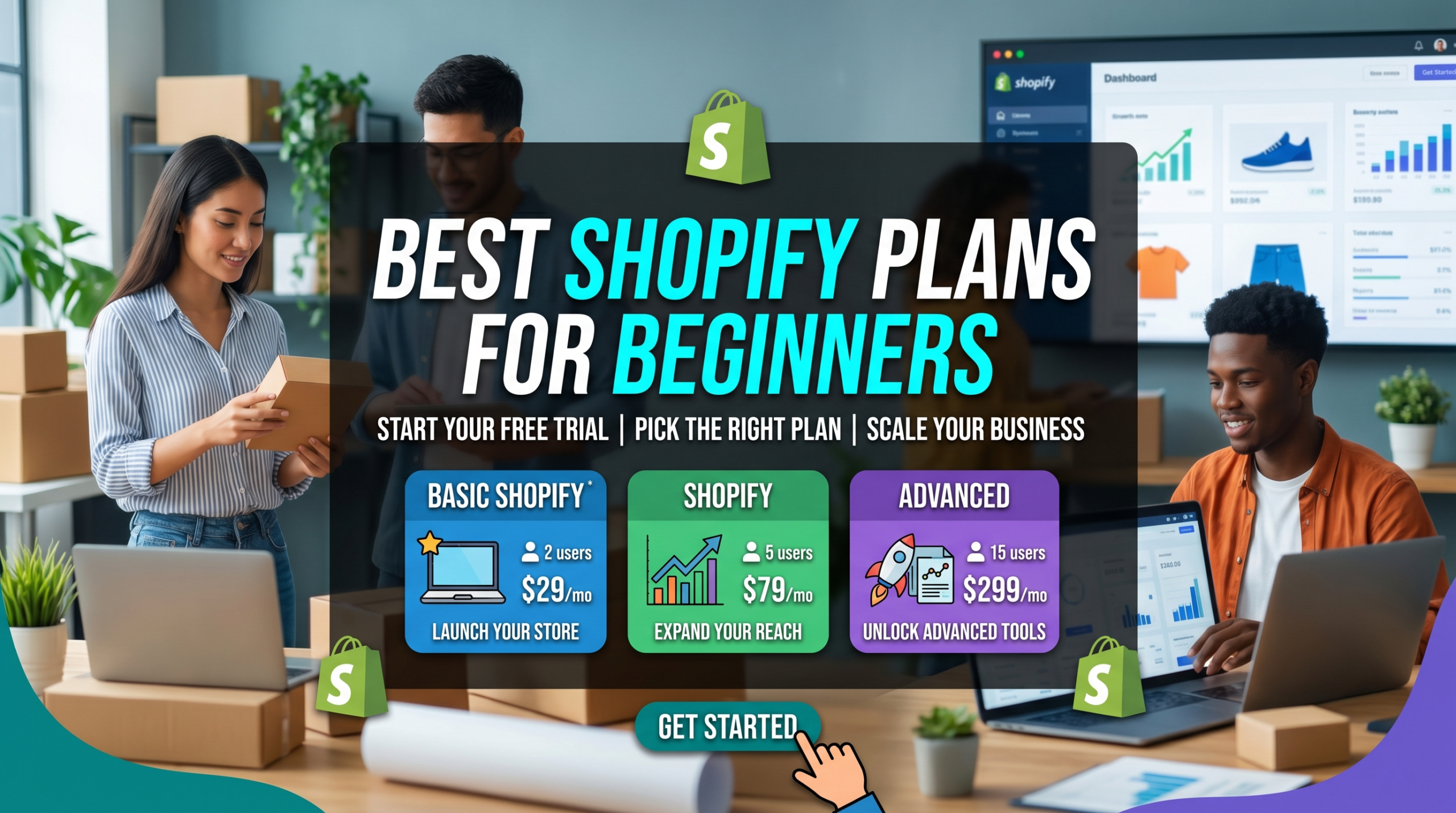

Choosing the best Shopify plan for beginners often raises a lot of questions, especially if you’re stepping into online selling for the first time. Figuring out which plan will help you get started without blowing your budget (or missing out on useful features) can feel kind of confusing. I’ve been through this maze myself, and I’m here to break things down in a way that actually makes sense. Whether you’ve got a few products ready to go or you’re still in the brainstorming phase, the right Shopify plan can be a huge help as you set up your store.
Why Shopify Is a Great Choice for Beginners
Shopify’s popularity among new store owners isn’t just hype. It offers one of the easiest ways to launch an online store, especially if you’re not a tech expert or coding pro. The interface is clear, there are a bunch of modern templates, and you can manage everything from products to payments in one place. Shopify also has a big app market, so if you need extra features as your business grows, they’re easy to add in. Read this related article titled Shopify Overview: Still Worth It In 2026?
Many people start with Shopify because it works for businesses of all sizes. You start small but have room to grow. Plus, their support is available around the clock. If you get stuck, help is just a message away. The key is picking a plan that matches where you’re at right now so you don’t end up overpaying or missing something important.
| Plan | Price | Best For | Key Benefit | Value |
|---|---|---|---|---|
| Starter | £5/month | Selling via social/media | Lowest cost entry | ⭐⭐⭐ |
| Basic | £19/month | Beginners | Best starting plan | ⭐⭐⭐⭐⭐ |
| Shopify (Grow) | £49/month | Growing stores | Better reporting | ⭐⭐⭐⭐ |
| Advanced | £259/month | Scaling brands | Advanced analytics | ⭐⭐⭐ |
Overview of Shopify Plan Options and Prices
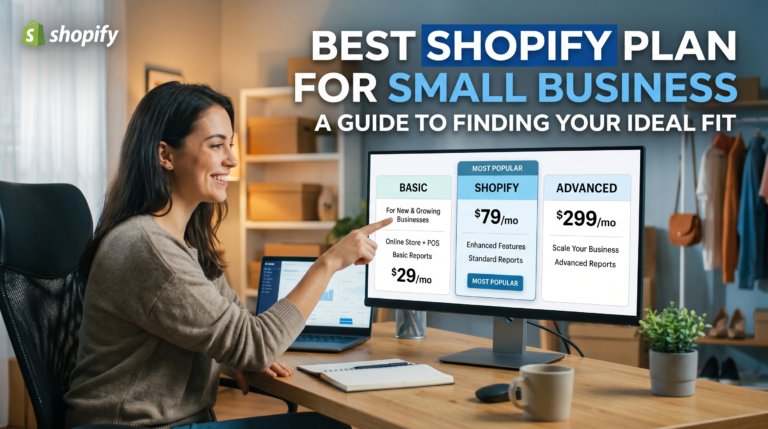
Shopify has several plans, each offering a different mix of features and pricing. As a beginner, you’ve probably looked at the options and wondered, “Do I really need all this?” Here’s a quick look at the main plans people consider when getting started:
- Starter: £5 per month. The basic option that’s pretty affordable, designed for those who want to sell through social media or messages without a full online store.
- Basic: £19 per month billed yearly. A good fit for most beginners who want a real Shopify storefront. Comes with everything you need for launching your site and handling payments, orders, and shipping.
- Shopify Grow: £49 per month billed yearly. More tools for growing stores, like better analytics and more staff accounts. Not usually needed on day one, but handy as you scale up.
- Advanced: £259 per month billed yearly. Premium features for established businesses. Does things like calculated shipping rates and advanced reporting. Not where beginners usually start.
There are also special plans like Shopify Plus (for huge stores £1800 per month) and Shopify Lite (for adding a buy button to an existing site), but these aren’t usually what beginners choose. For most people just starting out, the decision is between the Starter and Basic plans. The difference comes down to whether you want a real online store or just a simple way to accept orders through links or social media.
Comparing Shopify Plans for New Sellers
When I was setting up my first Shopify store, figuring out the differences between plans helped me make a budget friendly choice. Here’s a side by side look at what beginners usually care about:
- Starter: You get the ability to sell products using simple checkout links that you can share on social media or in DMs. There’s no full store website; instead, you get a single product page and a checkout link. Super affordable, but you’ll miss out on some custom branding and store building.
- Basic: This plan gives you a full website with your own .com, plus the shopping cart, product pages, and blog features. You can use discount codes, basic analytics, and have two staff accounts. You pay a monthly fee plus small fees on credit card sales.
I usually recommend Basic for most beginners who want to look professional and build their own brand. Starter is helpful if you’re just testing out ideas or want to sell a couple of products on social without committing to a full website.
Digging Into the Basic Shopify Plan
The Basic plan is what a lot of first time sellers pick, and for good reason. Here’s what makes it stand out for people new to ecommerce:
- Custom Website: Set up your own online storefront with design themes that you can tweak to fit your brand.
- Unlimited Products: No cap on how many items you can sell, which is great if you plan to expand your catalogue.
- Discount Codes: Offer sales and coupons to attract new customers or reward loyal buyers.
- Abandoned Cart Recovery: Shopify automatically emails customers who left stuff in their cart, which can help you seal more sales.
- Integrated Payments: Accept credit cards, PayPal, and local payment methods with ease.
- Support: Access to 24/7 Shopify support, which is helpful if you run into roadblocks. I’ve lost count of how many times I’ve used them!
With the Basic plan, you’re not locked into a barebones store. It gives you plenty of options for managing orders, tracking inventory, and even starting a blog if you want to boost your SEO. Plus, you get two staff accounts so you can have a helper or business partner log in without sharing passwords.
When the Shopify Starter Plan Makes Sense
The Starter plan is a stripped down choice, and it works fine if you want the simplest selling tools and don’t need your own website right away. Here’s why some folks go this route:
- Super Affordable: The monthly fee is much lower than the other plans, so it won’t strain your budget if you’re just testing the waters.
- Easy Checkout Links: Sell directly through Instagram, Facebook, email, or even WhatsApp with special links. Great for side hustles, digital products, quick launches, or dropshipping experiments.
- No Website Needed: Skip all the set up that comes with running a full website. You’ll have a product page you can share, but not a full featured online store.
I’ve found that the Starter plan can work for creators, consultants, or anyone who just wants a quick way to accept payments without committing to the full custom store experience. If you want to build your brand long term and look serious as a seller, Basic is usually the stronger pick.
Core Things Beginners Should Think About Before Choosing
Picking the right Shopify plan isn’t just about the price tag. Here are some real life things I suggest thinking about:
- Your budget: Monthly fees can add up, especially when you include paid apps. Make sure your choice fits where you’re at right now.
- Product catalogue: Planning to sell a whole bunch of items, or just testing with a single product? Starter is fine for one or two things, but Basic is more flexible.
- Brand building: If you want a real online presence and a professional touch, you’ll probably want to use your own domain and custom themes (that’s Basic).
- Growth plans: Are you hoping to scale up quickly or just experiment for now? Upgrading later is pretty easy, so start with the plan that matches your starting point.
- Support needs: It’s easy to get stuck in the beginning, so accessible customer support and resources are a big deal. Something Shopify offers on all plans, but it feels more seamless with a full store.
Domain Names and Customization
With the Basic plan, you get the option to connect your own custom domain (like yourname.com), which helps a lot with branding and customer trust. The Starter plan gives you a Shopify branded link, which looks less professional and might even be a dealbreaker if you want to scale up later.
Understanding Transaction Fees
Shopify charges transaction fees if you use payment gateways other than Shopify Payments. On the Basic plan, those fees are pretty reasonable compared to other platforms, but they’re not zero. If you use Shopify Payments, you can avoid extra charges beyond the standard card processing fee. The Starter plan has higher transaction fees, so if you plan on processing a lot of sales, you’ll want to keep this in mind.
Room to Grow as Your Store Expands
One of the things that drew me to Shopify in the first place is how easy it is to upgrade. If you start on Starter or Basic and later find you need advanced reporting tools, more staff might log in, or better shipping integrations, you can switch plans with just a couple of clicks. This makes Shopify a safe starting point even if you’re not sure how fast your business will take off.
Key Features of the Basic Shopify Plan
So, let’s now have a look at the features I think you’ll really like about the Basic Shopify plan:
- Website and Blog: Build a real brand with a full web presence, not just a checkout page.
- Mobile friendly Templates: Your site will work on any device, so customers can shop from phones or tablets smoothly.
- Unlimited Listings: No headaches worrying about outgrowing your plan as your business gets bigger.
- Discount Codes: Run promotions, create deals, or offer coupons to customers any time.
- Staff Accounts: Bring in help, even if it’s just a friend or business partner, without sharing your own login.
- Basic Reports: See which products are selling well, where your traffic is coming from, and more.
- Abandoned Cart Emails: Automatically nudge customers to finish checking out.
- 24/7 Support: Quick help by email, chat, or phone when you hit a roadblock or need advice.
Even if you start with just a handful of products, having all of these tools from day one makes it so much easier to look and operate like a real professional. In addition, with Shopify’s constant updates, you also benefit from the latest tools without much extra work. This continuous improvement helps your store stay current and competitive in the fast moving world of ecommerce.
Practical Advice for Setting Up Your First Shopify Store
Once you’ve settled on a plan, the next steps are all about setting up your store for success. Here are some things that made a difference for me when I was just starting out:
- Pick Your Plan: Choose between Starter and Basic based on your goals and budget.
- Choose a Domain Name: With Basic, get a custom domain for brand credibility.
- Select a Theme: Shopify has lots of free and paid themes. Don’t be afraid to experiment and find one that fits your style and products.
- Add Products and Descriptions: Upload clear photos, write friendly descriptions, and make sure your pricing makes sense for your niche.
- Set Up Payments and Shipping: Follow Shopify’s guides to turn on Shopify Payments and set your shipping rates.
- Test Everything: Before you go live, try ordering from your own store so you can fix any issues early. Get friends or family to test your checkout and make sure the process is smooth for everyone.
- Set Up Essential Apps: Depending on what you sell, you might want to add apps for product reviews, email lists, or even automated social sharing. Start simple and only add what you need.
If you ever feel overwhelmed, Shopify’s guides and customer support are super useful. I leaned on them a ton at the start, and it really made the difference when I hit tough spots.
Some Common Challenges Beginners Face
No online store launch is totally smooth, but knowing what might trip you up can really help. Here are some hurdles you might run into and what I did to solve them:
- Dealing With Transaction Fees: Keep your eye on payment processing costs. Using Shopify Payments usually keeps fees lower, which is really important when margins are tight.
- Customizing Your Store: It’s easy to feel lost customizing your Shopify theme at first. Stick with something simple and slowly upgrade as you learn. Watching free Shopify tutorials on YouTubeor checking out their help centre can help make theme editing less daunting.
- Marketing Your Store: Getting traffic takes some effort. Use Shopify’s built in blog, and try out their email marketing tools or connect apps for popups and promos. Building a small email list from the start means you can keep in touch with early customers as you grow.
- Shipping Confusion: Setting shipping rates is a common headache. Start with flat rates or free shipping if your margins allow, and refine as you get more sales data. Consider adding delivery time estimates so customers have clear expectations.
- Handling Customer Service: Answering inquiries quickly and clearly helps build trust. Shopify’s built in email notifications help keep you up to date with new orders and customer questions.
Each of these was a learning experience for me, but with a bit of patience (and plenty of help from Shopify’s support), most beginners can figure it out in no time. Don’t hesitate to reach out to the Shopify community forums for peer advice, too. Other sellers are often happy to share tips or talk through common problems. Best E-Commerce Platforms For Small Businesses 2026.
Frequently Asked Questions
Here are questions I hear all the time from people just getting started with Shopify, along with the answers I usually share:
Q1: What’s the main difference between the Starter and Basic Shopify plans for beginners?
Answer: Starter is all about simple selling with checkout links and no full store website, while Basic gives you a complete online store, unlimited products, and better branding opportunities. If you want to build a recognizable brand, Basic is the way to go.
Q2: Is it hard to switch plans later if I start small?
Answer: Not at all. Upgrading your Shopify plan only takes a few clicks, so you can start with what fits you now and bump up to a bigger plan as you grow.
Q3: Can I use my own custom domain name on the Starter plan?
Answer: The Starter plan doesn’t support custom domains. If your brand image matters, you’ll want to use the Basic plan, which lets you add a custom domain for a more professional look.
Q4: Are there any hidden costs I should watch for as a beginner?
Answer: Shopify charges a monthly fee plus transaction fees on each sale unless you use Shopify Payments. Some apps also cost extra. It’s smart to go over your app subscriptions and payment processor fees once a month.
Q5: Is Shopify good for selling digital products or services?
Answer: Yes, Shopify supports digital products, downloads, and services with the right settings and app add-ons. Both Starter and Basic can work, but the Basic plan gives you more flexibility and branding for your digital business.
Q6: Which Shopify plan is best if I’m dropshipping?
Answer: Most dropshippers start with the Basic Shopify plan since it supports the apps and integrations needed for fulfilling orders automatically and tracking inventory.
Q7: Does Shopify include built in marketing tools for beginners?
Answer: Shopify gives you a basic blog, email marketing features, and built in SEO settings. You can also add apps for reviews, popups, and other marketing features as your needs change.
Q8: How do I get help if I’m stuck with something?
Answer: Shopify’s support is available 24/7 by chat, email, or phone (depending on your plan). They also have a big help centre and a community of users sharing advice. I’ve found their support agents super friendly and knowledgeable at every stage.
Summary
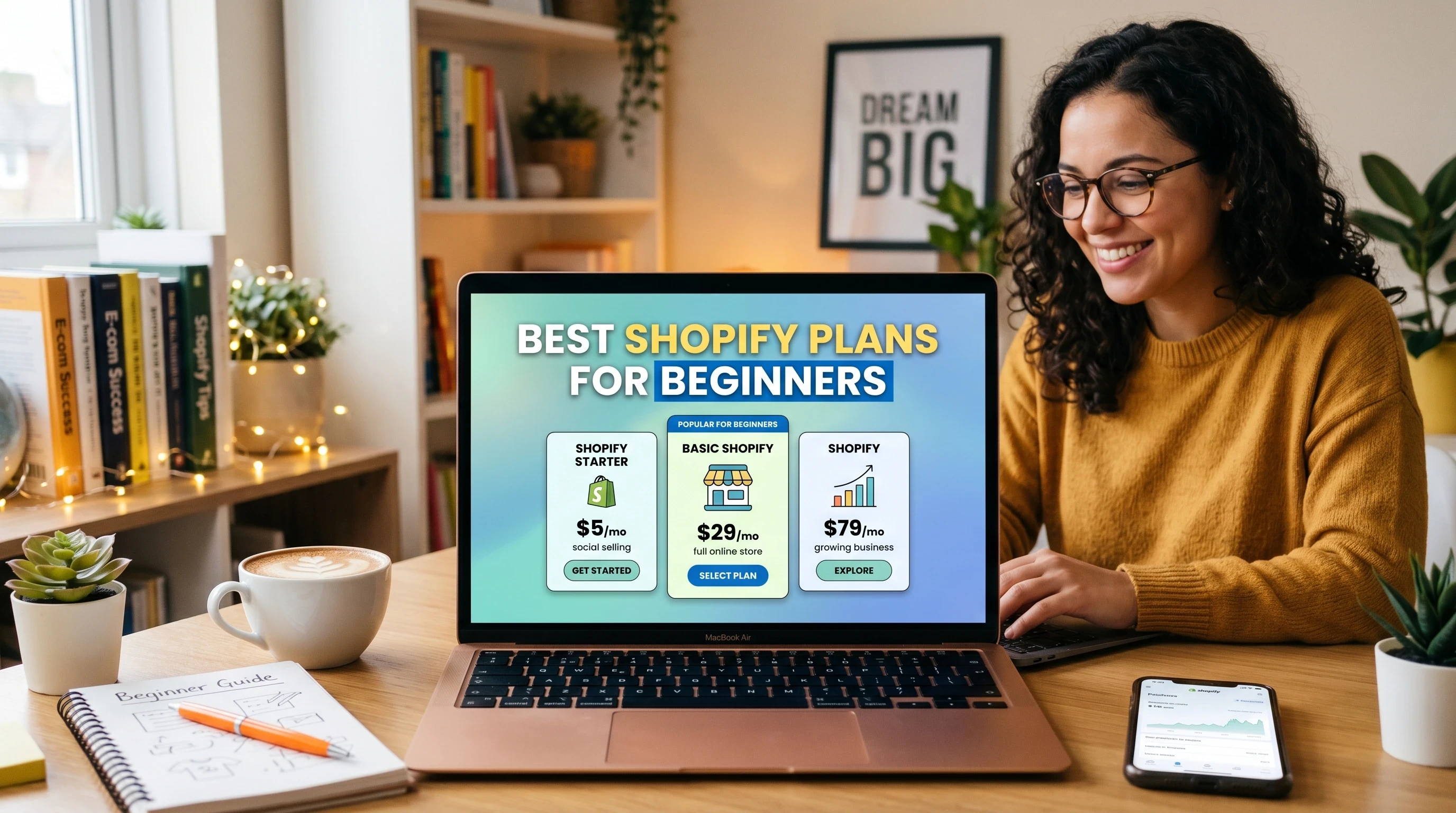
Picking your first Shopify plan doesn’t have to be stressful or overwhelming. Focus on where you are right now, choose between Starter or Basic, and know that there’s plenty of help available if you hit a snag. Shopify makes it easy for beginners to get their online stores off the ground and you can upgrade or tweak things as you learn what works best for your business. Here’s to your next level ecommerce adventure!
Many thanks for taking the time to read this blog post on Best Shopify Plan For Beginners. I do hope that it has given you a good grasp of the pricing plans and features at Shopify. If you have any questions at all, just leave me a message in the comments box below. I will always reply to every message.
All the best!
Eamon