

Welcome to our Shopify For Beginners Tutorial. Shopify is now one of the most popular ways to launch an online store, thanks to its ease of use and all in one features. For beginners, the process can seem a bit overwhelming at first, but with some basics covered, you’ll find it’s actually pretty straightforward to put together an online business that looks professional and runs without a hitch. I’m breaking down the major steps and ideas to help you kick things off with Shopify, right from your first login through to your first sale.
What is Shopify and Why Start Here?
Shopify is an ecommerce platform designed to make creating, managing, and growing an online store simple, even if you’ve never touched a line of code. It’s good for selling physical products, digital downloads, services, and even managing sales in person if you have a storefront. Shopify is very friendly for beginners, since most tech stuff runs behind the scenes. Over 2 million businesses use Shopify, making it fit for everything from handmade jewellery start ups to larger stores.
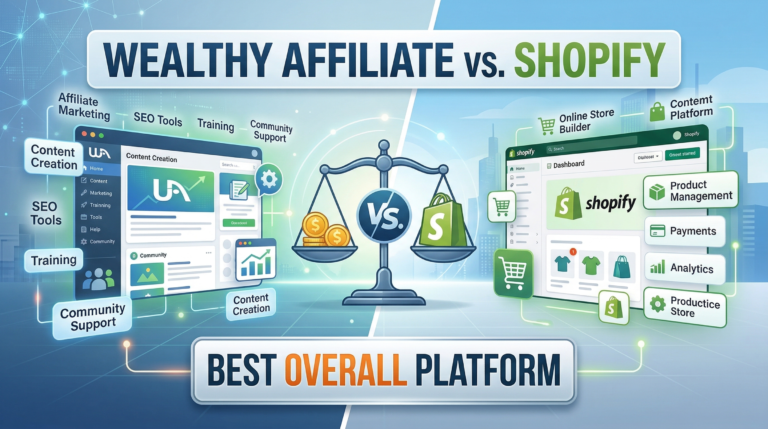
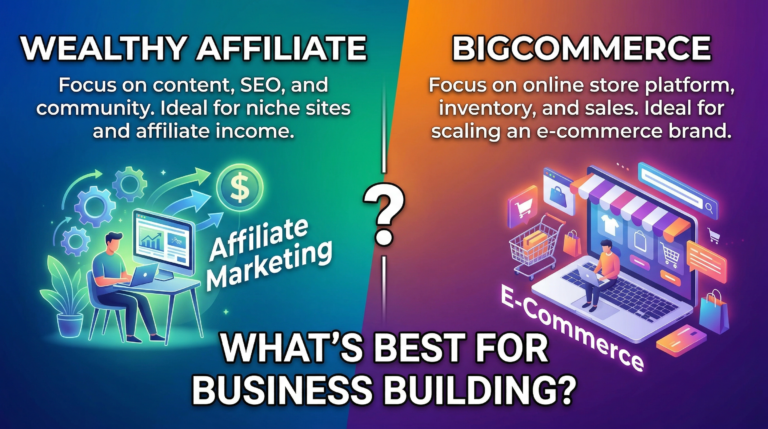
The built in hosting, payment processing, and hundreds of templates that are simple to personalize mean you don’t have to worry about tech headaches. Shopify stores get bigger without hassle, moving from selling a single product to thousands as your business grows, which is super useful when your side hustle turns serious. Take a look at this comparison of Wealthy Affiliate Vs Shopify: Best Overall Platform?
Key reasons to think about Shopify:
- User friendly interface that walks you through every step
- Secure hosting and SSL for safe transactions
- Loads of apps for marketing, shipping, and scaling
- 24/7 support for when you need help
Getting Your Shopify Store Set Up
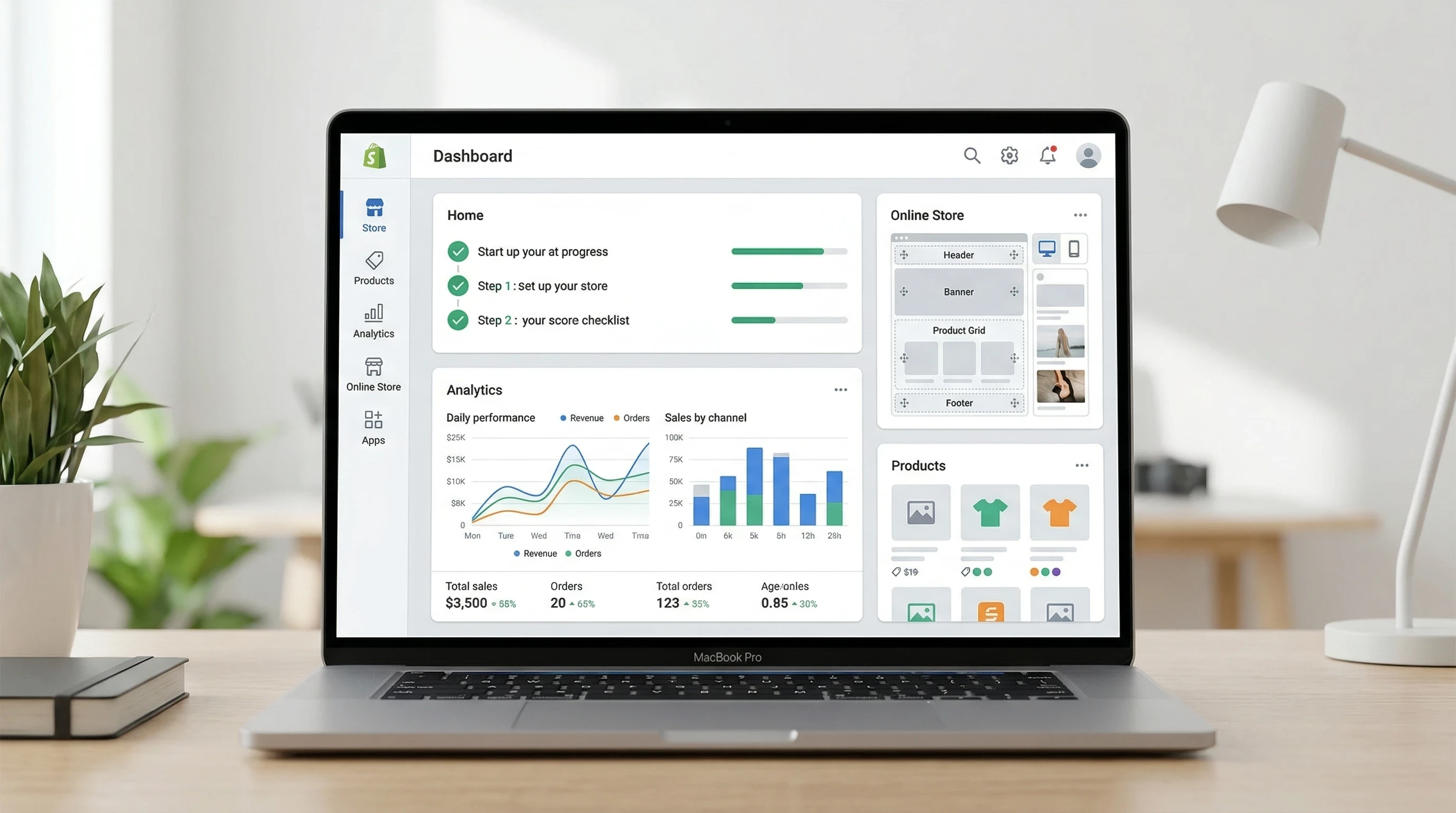
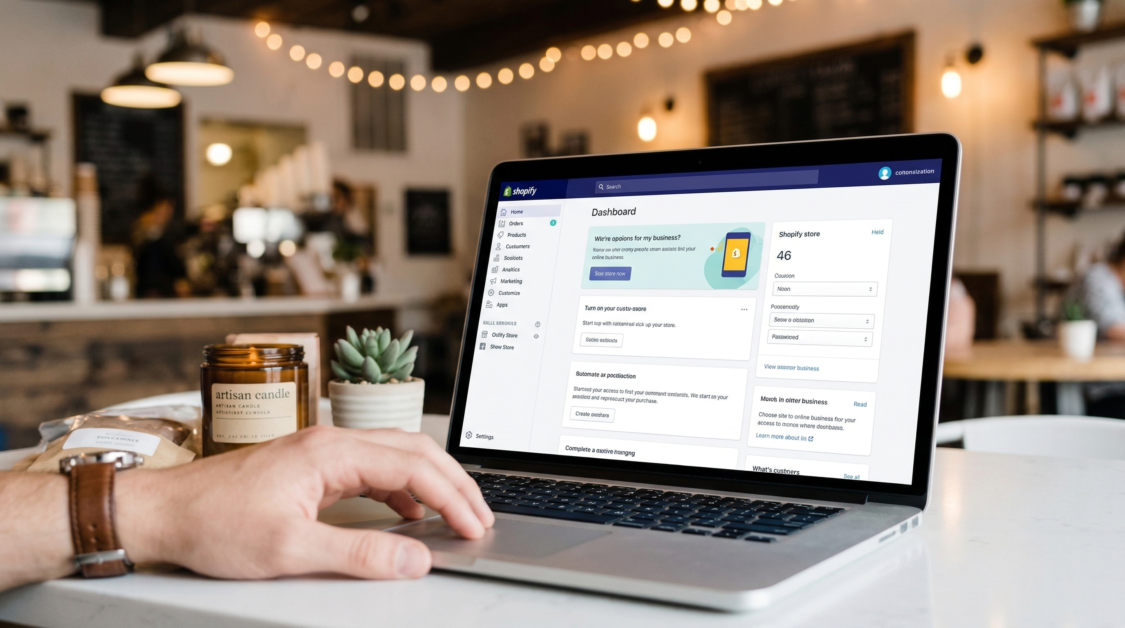
The signup process is quick: all you need is an email address and a few minutes of your time. Shopify comes with a free trial so there’s no cost up front. Once inside, the dashboard steers you through adding products, choosing themes, and setting up both payments and shipping.
Here’s a quick list of early setup steps:
- Create Your Shopify Account: Add your email, pick a password, and decide on your store name.
- Pick a Theme: Browse Shopify’s free and premium themes. The simple drag and drop controls mean you don’t need code. All themes work well on mobile devices.
- Add Products: Upload photos, set up pricing, write up your descriptions, and organize everything with product collections or tags for easy shopping.
- Set Up Payments: Shopify Payments lets you accept credit cards right away. You can also integrate PayPal, Apple Pay, or other payment methods.
- Adjust Shipping: Choose where to ship and set flat rates or real time carrier rates, or offer free shipping for certain orders.
These tasks usually only take an afternoon. I’ve learned that spending extra time on getting sharp product images and clear descriptions saves you lots of customer questions later, and can actually bump up your sales from the very beginning.
Smart Tips for Customizing and Launching Your Store
Shopify lets you make your store your own, without hiring a web designer. To give your site a unique feel, focus on some core areas:
- Logo and Branding: Add your own logo and pick brand colours so your store matches your business identity everywhere online.
- Homepage Design: Experiment with layout, highlight featured collections, and use announcement bars to let shoppers know about deals or top products.
- Store Navigation: Create easy menu links for Shop, About, and Contact pages so shoppers can find their way around smoothly.
- Policies: Shopify has simple templates for privacy policies, returns, and terms of service, making it easy to show shoppers you’re legit from day one.
Before you launch, run through your store as if you were a customer. Place a test order, watch out for broken links, and see how everything looks on your phone or tablet. New shop owners often skip this, but it’s a quick way to catch problems and create a better first impression.
Understanding Shopify Apps and Integrations
Apps are where Shopify starts to shine, letting you add tools like popups, product reviews, customer chat, inventory management, and more. There’s an app store with thousands of choices. As a beginner, a few types of apps really come in handy:
- Email Marketing Apps: Use these to build your customer email list and send newsletters when something new drops.
- Product Reviews: Customer reviews help build trust and add fresh content to your product pages.
- Shipping and Fulfilment: Automate shipping notifications, print shipping labels, or connect dropshipping suppliers to streamline your business.
- SEO Helpers: Boost your store’s visibility on Google and other search engines so customers can track down your products.
The best move? Add one app at a time when you hit a need. Filling your dashboard with tons of apps makes the store slower and tougher to keep organized. By starting light, you’ll figure out which tools actually boost sales or save you time.
Things New Shopify Store Owners Should Think About
Succeeding on Shopify is about more than just a good theme and uploading all your items. A few extra focus areas really pay off for first time store owners:
- Pricing: Do some research on what competitors charge and the margins you want. Factor in Shopify’s fees, shipping, and taxes before settling on prices.
- Product Photos: Sharp photos sell. Shoot with natural light and plain backgrounds to let your items stand out. Show multiple angles and close ups for details.
- Policy Pages: Clearly lay out returns, shipping timelines, and how customers can contact you. This builds customer trust and stops confusion before it starts.
- Sales Tax: Shopify gives you tools to set up the right taxes based on where you and your customers are. Always confirm with a pro to stay on track.
Pricing and Margins
Getting your numbers set early avoids headaches later. Shopify’s handy analytics show which products are making you money, so you can shift your attention in the right direction.
Product Images
Better product images mean more clicks and fewer returns. Even a modern phone can do the job if you use good lighting and steady hands. Show your items up close and from different perspectives for best results.
Building Trust
New stores don’t always earn buyer confidence right away. Add reviews, familiar payment logos, and a real About section. Sharing your story and values helps create a connection and makes shoppers feel at home.
Making Your First Sale and Building From There
Once your store is live, the real challenge is attracting visitors and getting some first sales under your belt. Most folks start by sharing with friends and family. But you should also consider a few simple ways to boost traffic:
- Social Media: Post updates, sneak peeks, or the story behind your products on places like Instagram, Facebook, or TikTok, wherever your target buyers spend time.
- Email Incentives: Offer a discount code or free shipping to get new people to sign up for your email list and place their first orders.
- SEO Basics: Choose straightforward words in product titles and descriptions, helping your shop pop up in search results.
- PPC Ads: Use low budget ads on Facebook or Google to test what catches people’s eye, fine tuning as you learn what sells best.
Growing your Shopify store is all about steady learning and experimenting. Track everything you try, tweak your offerings, and keep it personal. A thank you note, quick replies, or updates about your shop can go a long way to convert one time customers into regulars.
Shopify allows beginners to create an online store quickly with simple setup steps and guided onboarding.
Choose from a wide range of modern themes that make your store look professional without needing design skills.
Shopify supports multiple payment methods and ensures secure transactions for both you and your customers.
Easily add, edit, and organize products with images, descriptions, pricing, and inventory tracking.
Access email marketing, discount codes, and basic search optimization tools to help grow your store.
All Shopify stores are automatically optimized for mobile devices, ensuring a smooth shopping experience.
Frequently Asked Questions
Beginners have plenty of questions about Shopify, so I’ve rounded up answers to some of the most common ones below:
Q1: Do I need to know any code to set up a Shopify store?
Answer: Not at all. Shopify works with point and click controls, drag and drop layout, and loads of built ins. If you want to get more technical later, you have access to the code, but you really don’t need to touch it for a full store setup.
Q2: Can I use my own domain name?
Answer: Yes, Shopify lets you buy a domain in your dashboard or connect an existing one. Custom domains build trust and help with branding and email setup.
Q3: How does Shopify handle payments?
Answer: Shopify Payments takes care of most major credit cards, plus you can turn on PayPal, Apple Pay, and more. Payouts land in your bank account within a few days from each order.
Q4: Are there extra fees with Shopify?
Answer: Shopify charges a monthly fee. If you use outside payment providers, there may be added transaction costs. Some third party apps also have subscriptions. You can always keep tabs on these in your Shopify billing area.
Q5: Is it possible to run a Shopify store from outside the US?
Answer: Definitely. Shopify supports business owners from many countries, lets you trade in multiple currencies, and includes lots of shipping and payment integrations for going global.
Q6: Can I migrate my existing site to Shopify?
Answer: Yes. Shopify makes it simple to import products, customer lists, and in many cases order history from other ecommerce platforms.
Q7: How do I get help if I’m stuck?
Answer: Shopify offers round the clock support using chat, email, or phone. There’s also a massive collection of online guides and an active community forum covering just about every topic.
Q8: Does Shopify handle taxes automatically?
Answer: Shopify comes with tools for calculating and collecting sales tax based on where you and your customers are located. For full peace of mind, always double check with your accountant.
Summary
Starting your Shopify adventure as a beginner might feel overwhelming, but the user friendly layout and step by step build process make it practical for anyone wanting to start a business. From opening your account and picking your first theme, to getting clear photos and making your first sale, every step flows together logically. Focus on great product images, simple descriptions, and easy policies. Then make use of built in analytics as your business grows. With so much flexibility for new start ups and experienced sellers alike, Shopify is absolutely worth checking out as you set out on your ecommerce adventure.
Related Article
Thankyou so much for reading this article Shopify For Beginners Tutorial. I really do hope that it has given you the information you require to make an informed decision whether to sign up for Shopify or not.
All the best!
Eamon