
Welcome to the Wealthy Affiliate Logo Designer Review. Creating a professional logo can be a pain when you’re just starting out. Whether you’re running a niche blog or building an online shop, a good logo can make your brand feel a lot more legit. Graphic design software can be expensive and complicated, and hiring a designer often doesn’t fit every budget.
The Wealthy Affiliate Logo Designer brings a really straight forward solution right to your browser, making it pretty handy for newbies and experienced marketers alike. I’ll walk you through how it works, what you can do with it, and where it stands out for regular branding jobs.
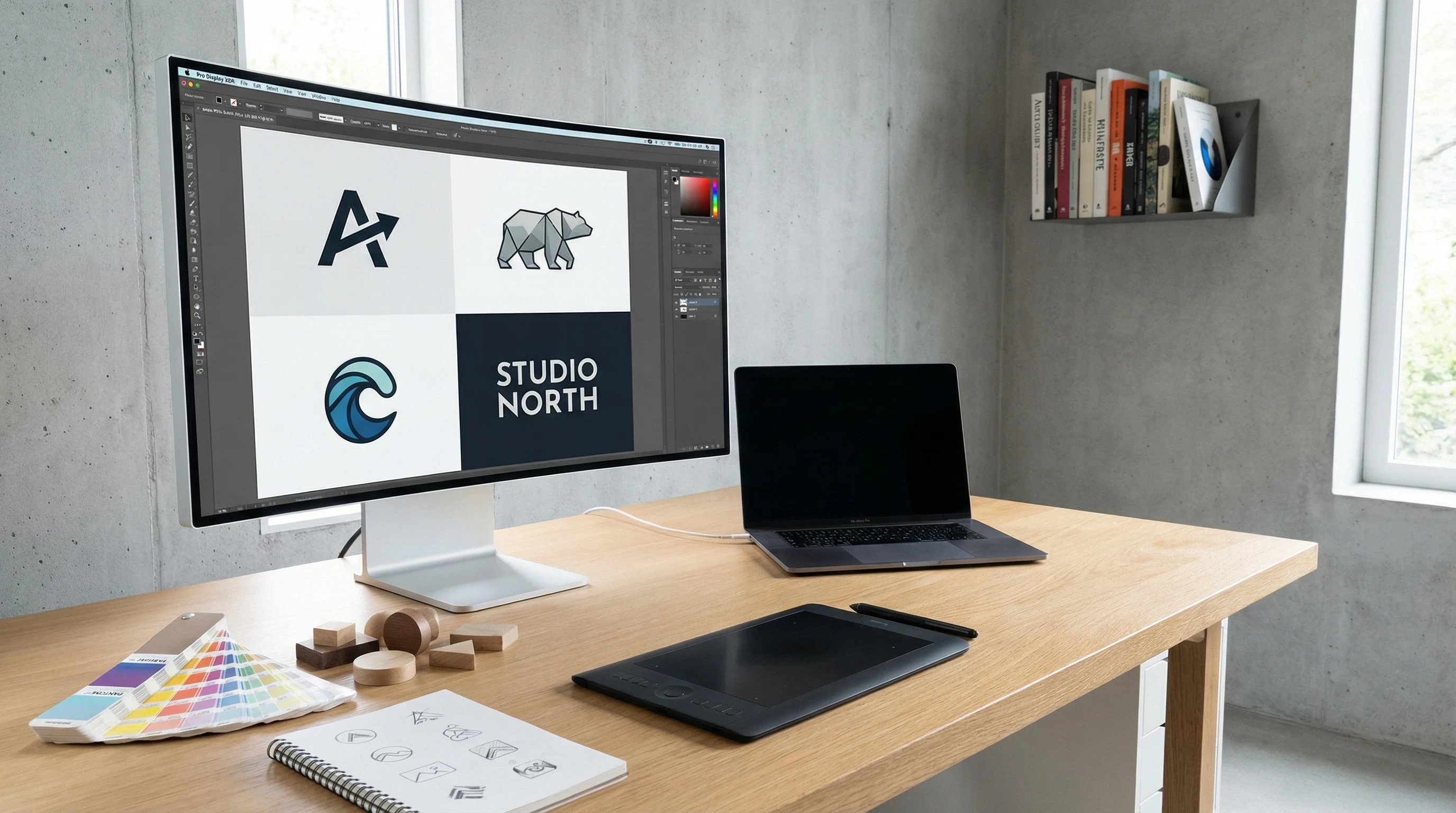
Above Image Created With Wealthy Affiliate Image Studio
What Is the Wealthy Affiliate Logo Designer?
I see the Wealthy Affiliate Logo Designer as an all in one AI tool for whipping up eye catching, modern logos. It’s built into the Wealthy Affiliate platform (no extra installs required) and is part of their DesignPop Studio toolkit. The main idea here is to let any member create solid logos without extra headaches or spending more money elsewhere.
This tool is especially good for people running blogs, online businesses, side projects, or even handling client work. The fact that it’s built right inside WA means I can pop in, create a logo, and get back to publishing content almost instantly. If you’re on a tight schedule or want the freedom to tweak ideas before committing, it really shines.
How Does the Logo Designer Work?
Getting started feels surprisingly smooth. I just enter my business or niche name, add a few details about what my site or business is about, pick some brand colours, and select a style I like. The AI then does its thing, giving you a handful of logo concepts in seconds.
The process usually follows these steps:
- Set up your brand info: Add your business name, industry, and any buzzwords you want reflected.
- Pick a logo style: Choose from text only, symbol logos, or classic icon with text (the combo logos are my personal favourite for flexibility).
- Select colours and a vibe: Let the AI know whether you want it bold, playful, minimal, or somewhere in between. It does a good job matching the feel you describe.
- Customize and finetune: Tweak fonts, change colours, shuffle elements and play with backgrounds (white, transparent, or themed).
- Download or keep designing: Save the best one to your gallery, or create more versions and compare them side by side.
Once you’re done, those logos are always in your gallery for future editing or easy reuse, which is super useful if you run multiple sites like me. And don’t forget, you can return and make new tweaks whenever inspiration hits, letting your branding grow as your business evolves.
Practical Use Cases for the Logo Designer
Most of the time, I use the Wealthy Affiliate Logo Designer for quick brand launches and test projects. If I’m spinning up a new niche site, it takes only a few minutes to generate a logo that looks like it was made by a professional designer. For anyone managing online stores, YouTube channels, or client brands, being able to whip up several concepts on the fly is a huge time saver.
Here’s where it fits in really well:
- Niche websites and blogs: Get your site branded from day one, even before you’ve settled on your colour palette.
- Ecommerce and online shops: Create product or collection logos to give a boost to trust and make your site look more polished.
- YouTube and social media channels: Generate perfectly sized logos you can use for profile images or watermarks.
- Freelance work: Provide logo mock ups or final versions for clients, skipping the back and forth with designers.
The tool is designed to give you a good head start with branding, especially during those crucial first impression moments. You can even create logos for special events or product launches, adding a little personality to each section of your business.
How Credits Work in DesignPop Studio
Logo Designer uses Wealthy Affiliate’s shared credit system, which covers all the AI features on the platform. You get a chunk of credits included with your WA subscription (both Premium and Premium Plus). Each logo generation, especially higher quality or larger files, uses up a certain number of credits. When you run low, it’s easy to top up with more credits from your dashboard.
This means you only pay for what you use. Most users, myself included, won’t burn through credits fast unless you’re creating dozens of logos for clients every week. Since it’s part of the wider DesignPop Studio, credits can be used for other creative jobs too, like banners or graphics as new features roll out. There are also regular updates, so expect new ways to use your credits as the platform grows.
Cool Features That Make It Worth Checking Out
- Instant AI logo concepts: I love how concepts match the vibe I’m after (clean, bold, quirky; whatever you describe, the AI delivers close options).
- Lots of styles: From basic text logos for a quick launch to creative icon plus text combos, there are plenty of templates to start with.
- Easy editing: Changing up fonts, layouts, or colours feels super intuitive. No graphic design chops needed.
- Gallery storage: Your previous designs stay organized in your account. Perfect for switching between brands or comparing different directions.
- Transparent or coloured backgrounds: Makes it easy to drop logos onto any site or social profile without weird edges.
- Download options: Grab your logo in various resolutions for web, print, and social use.
There’s a lot here that stretches well beyond onetime logo generators, and it’s all packaged inside the Wealthy Affiliate dashboard, so I don’t have to juggle extra tools or accounts. That simplicity alone is a game changer for people who want efficient branding tools at their fingertips.
Future Plans: Where DesignPop Studio Is Headed
The Logo Designer is just the kick off for DesignPop Studio. I’ve seen updates being rolled out that hint at more AI powered tools coming soon, like banner makers, ad creatives, and social media graphics. Bringing these tools together in one place could really speed up launching and running multiple brands online.
If you want to stay ahead and have all your branding steps handled from one spot, keeping an eye on Wealthy Affiliate’s platform makes a lot of sense. They also regularly ask for feedback, so users can help shape what features roll out next. That community approach means there’s always something new to check out, potentially giving your projects a creative edge as more features go live.
Things to Know Before Using the Wealthy Affiliate Logo Designer
Every tool has its strengths and a few things worth keeping in mind. Here’s how I see it shake out:
- Learning curve: Super beginner friendly. If you’ve never touched design software before, you should be up and running in minutes.
- Customization: You get a lot of variety, but the depth of customization isn’t unlimited. For ultra niche graphics, you might want to take your exported logo into more advanced tools.
- Usage rights: Logos you make are free for business and commercial use, so no license headaches later.
- Credit limits: If you create a ton of high res logos, you might go through credits faster, but for occasional use or one off brands, it’s really cost effective.
Everything works inside your existing Wealthy Affiliate account, so there’s no extra login or technical setup. If you’re interested in branding a new project this week, this is a smooth way to do it.
Advanced Tips for Getting the Most Out of the Logo Designer
- Describe your brand clearly: The more hints and keywords you feed the AI (think “retro, playful, pet niche”), the better the first logo drafts look.
- Try every logo style: Even if you think you just want a text logo, exploring icon combos often surfaces some cool ideas you hadn’t considered.
- Play with backgrounds: Download logos with transparent backgrounds for use on any website theme, or create multiple colour variants to fit your social media profiles and content visuals.
- Store versions: I like saving several versions in my gallery, so I can revisit or update my branding as my site grows.
If you find yourself working with clients or running lots of microsites, these tips save time and give your brands a more cohesive look. Plus, you can revisit old logos to spice them up with fresh updates down the line, keeping your branding current as trends change.
Frequently Asked Questions About the Wealthy Affiliate Logo Designer
How much does it cost to use the Logo Designer?
The Logo Designer is included with Wealthy Affiliate Premium and Premium Plus and the logo credits come with your subscription. Additional credits are easily available if you want to create more graphics.
Can I use these logos commercially?
Yes, every logo you generate is cleared for business use, even if you’re selling branded products or offering design services to clients.
How does it compare to hiring a designer?
While a human designer brings more creative depth and can handle complex briefs, this AI tool easily covers fast, simple logo needs and lets you experiment with lots of styles at no extra charge beyond credits.
Is this only for Wealthy Affiliate members?
Yes, you’ll need a Wealthy Affiliate account to access the Logo Designer and DesignPop Studio. If you’re not a member, it’s worth checking out the platform and all its features here.

Final Thoughts
Branding new ventures doesn’t have to be a struggle or a big expense. The Wealthy Affiliate Logo Designer makes it easy to get a sharp, on brand logo with almost no learning curve. Also, because it’s part of DesignPop Studio, you get one dashboard for all your future design needs. If you want to launch new sites, polish up old brands, or even create logos for clients without extra software, it’s worth a spin. You can try it out and access the Logo Designer, plus tons of business building tools, in the Wealthy Affiliate platform.
Many thanks for taking the time to read this article on the Wealthy Affiliate Logo Designer Review. I really hope that you like what you see and decide to take a closer look at these AI tools and what they can offer you and your online business. For further reading, take a look at my related articles How To Succeed With The WA Affiliate Program, What Can You Achieve At Wealthy Affiliate and Wealthy Affiliate Image Studio Review or for a more in depth look at the Wealthy Affiliate opportunity, the Wealthy Affiliate Review.
All the best!
Eamon