
Welcome to Life Shift Pro. Our article today is Creating A No Code AI Chatbot Service For Entrepreneurs. Building a no code AI chatbot service can open up fresh opportunities for entrepreneurs. With so many businesses looking for ways to offer fast, convenient support and engagement, a chatbot can save time and boost productivity, even for folks without a coding background.
I’m going to take you through what it takes to get a no code AI chatbot service off the ground, what to look for, and how to make sure your chatbot really works for you and your clients.
Why Entrepreneurs Are Turning To No Code AI Chatbots
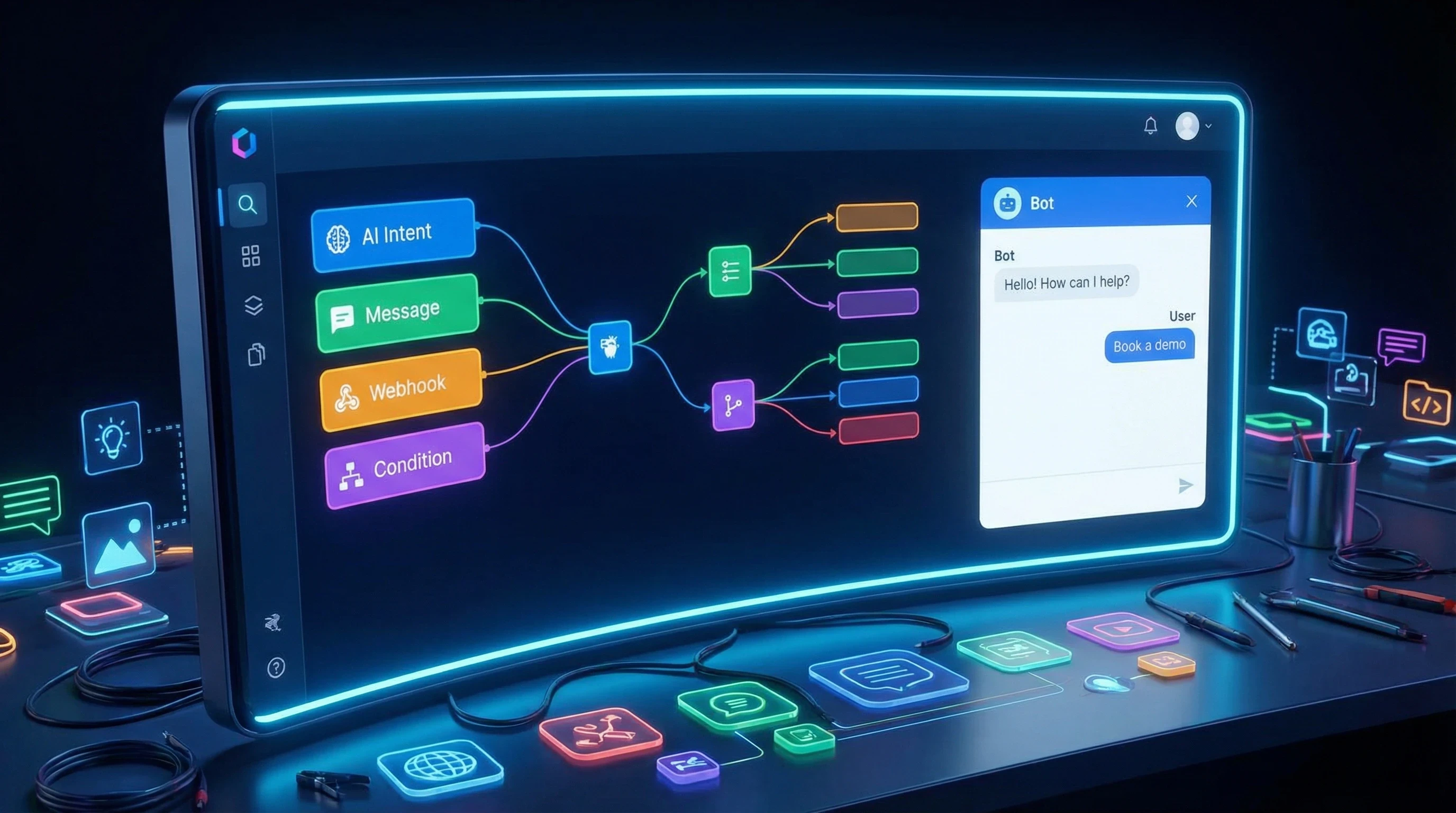
No code AI chatbot platforms have gained a lot of traction with solo founders, small business owners, and start ups that want to streamline customer support and gather leads without hiring an entire tech team. These platforms use easy to understand visual interfaces, so building a smart chatbot feels less intimidating, especially for those who don’t have coding skills.
What’s driving this trend? Chatbots help automate repetitive tasks, like answering common customer questions, collecting contact info for leads, and booking appointments. For entrepreneurs, this means spending less time on admin work and more time focusing on their main business goals. Plus, the tools out there now are powerful enough to make custom bots that feel genuine to your brand. You don’t need a coding degree to build something truly helpful.
Getting Started: What’s Involved in Creating a No Code Chatbot?
Starting a no code chatbot service is definitely doable with today’s tools, but a little planning goes a long way. Here’s how most entrepreneurs break down the process:
- Pick a Platform: Choose a no code AI chatbot builder that supports the features you need. This might include drag and drop design, integrations with messaging apps, or connections to other business tools.
- Define Your Purpose: Decide on the main goal for your chatbot. Are you capturing leads, offering quick customer support, or helping users book appointments?
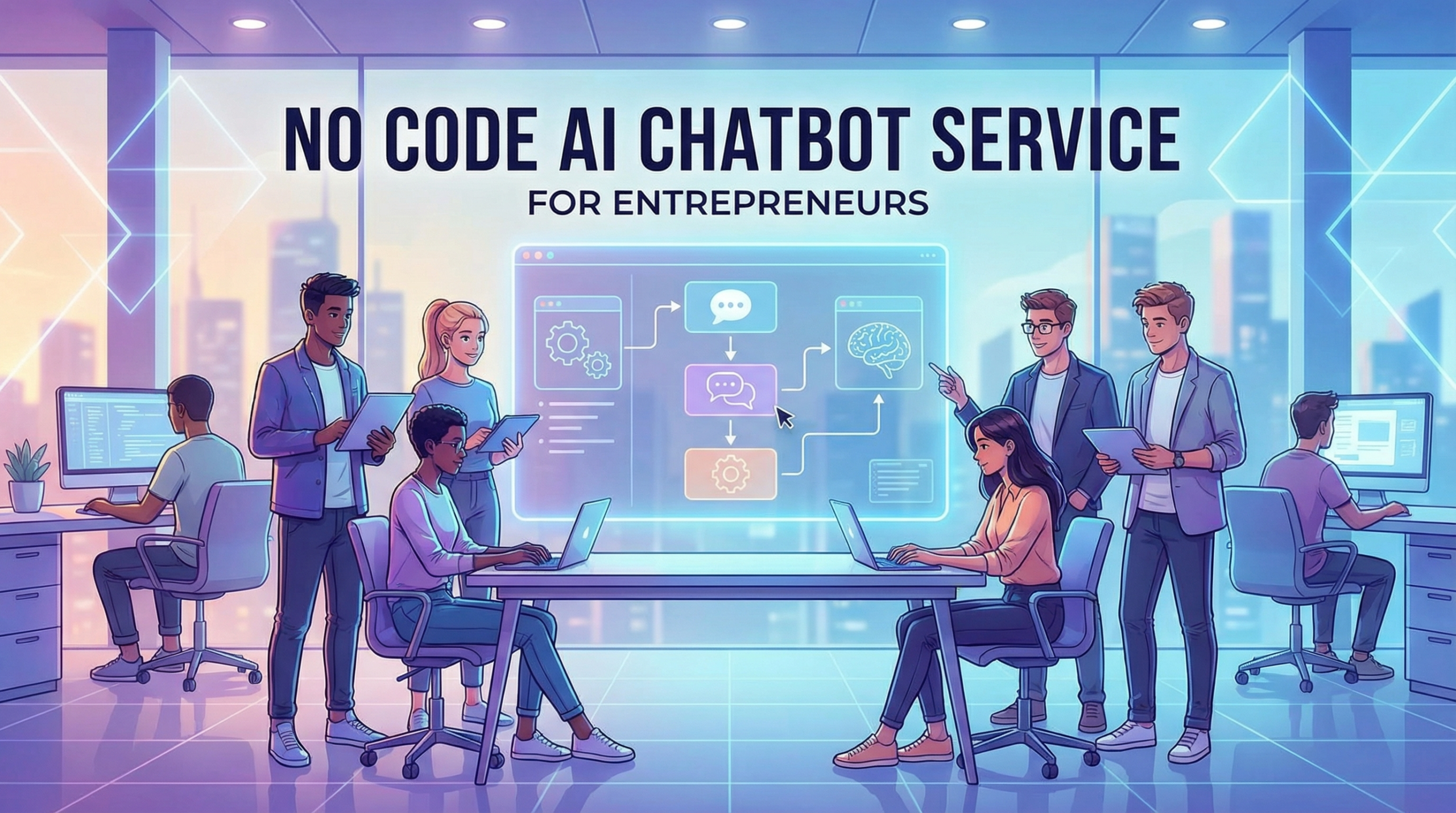
- Design Conversation Flows: Use simple visual tools to map out how the chatbot should handle greetings, questions, and answers. Most platforms let you preview and tweak these flows in real time.
- Connect to Services: Integrate your chatbot with email, databases, or scheduling tools to make it genuinely helpful to users who need something done right away.
- Test and Launch: Run through a few conversations yourself and catch any awkward responses or dead ends before your customers do. After that, set your chatbot live on your website or preferred messaging channels.
I’ve found that the easier a platform is to use, the more creative you can be. Some platforms even provide templates for common use cases, saving you hours of design work early on.
Popular Features in No Code AI Chatbot Builders
No code chatbot builders come with loads of next level cool features that make them worth checking out if you’re an entrepreneur. Some of my personal favourites are:
- Drag and drop interface: Lets you build conversations without touching any code. Anyone can arrange questions, answers, and logic branches by simply moving boxes around.
- Easy integrations: You can connect your chatbot to platforms like Google Sheets, Mailchimp, or Calendly with just a few clicks, making it collect leads or set appointments automatically.
- NLP capabilities: Natural language processing (NLP) helps bots understand what users are saying, even if the questions aren’t exactly as written in your preset answers. Many no code platforms now include simple NLP tools.
- Reusable templates: Save time getting started by customizing templates for ecommerce, service requests, booking, and more.
- Analytics dashboard: See at a glance how many users have talked to your bot, where people drop off, and which questions pop up most often.
Choosing a platform with these features means you’ll spend less time troubleshooting and more time helping your clients. That’s a real win.
Key Steps to Launching a No Code Chatbot Service
Rolling out a no code AI chatbot service for your business or for clients involves a few important steps. Here’s a view based on my experience:
- Research Your Audience: Figure out what real users need and want from your chatbot. Common requests from entrepreneurs include order tracking, consultation scheduling, event reminders, or basic support.
- Map Out Interactions: The more clearly you can picture user journeys, from the first hello to follow up questions, the better your chatbot will perform.
- Personalize Everything: Even no code tools let you include personal touches, like using users’ names or suggesting help based on their past activity (when privacy compliant, of course).
- Connect to Business Processes: The best bots don’t just talk. They also collect emails, update calendars, or send real time alerts. Hooking your chatbot into your existing business tools is pretty handy for making your service seamless.
- Train and Fine Tune: Even with no code solutions, reviewing initial transcripts and updating how your bot handles edge cases is super important. I always go back and review chats to spot any misunderstood questions or places where the bot could give more value.
This process might sound like a lot, but with today’s no code platforms, it’s way more manageable than starting from scratch. Plus, you can refine and expand your chatbot as your business or client needs grow. Regular tweaks and updates keep the bot working smoothly.
Challenges Entrepreneurs Might Face
Every new project has its bumps in the road, and chatbots are no exception. Some of the most common challenges in creating a no code AI chatbot service include:
- Making it sound human: While automated, your chatbot should still be conversational. If it feels too robotic, users might drop off quickly. Testing your bot’s responses out loud can really help here.
- Handling complex questions: No code bots are great with defined replies, but even the best ones can stumble on tricky or vague questions. Adding easy to find escape hatches for users to reach a real person is a good safety net.
- Custom integrations: Some advanced app connections might need a developer’s touch, so be prepared for small technical roadblocks if you try to link lots of unique tools.
- Privacy and compliance: Collecting personal information means you should handle data securely. Many popular no code platforms have built in privacy options, but it’s worth double checking what your region requires.
I like to treat these challenges as regular check in points when designing so they don’t become big headaches later on. Keeping an eye out for feedback helps spot these early.
Creating A No Code AI Chatbot Service For Entrepreneurs
Step 1 Choose Your Niche
Focus on one audience such as ecommerce stores, coaches, or local services so your chatbot solves very specific problems.
Step 2 Pick No Code Tools
Use drag and drop chatbot builders that allow you to design conversations without coding knowledge.
Step 3 Create Service Packages
Offer starter, growth, and premium plans with setup, customization, and ongoing support included.
Step 4 Build Templates
Create reusable chatbot flows so you can launch faster and serve more clients with less work.
Step 5 Market Your Service
Use content marketing, social media, and client outreach to show how chatbots save time and increase sales.
Step 6 Scale With Automation
Automate onboarding, billing, and training so you can grow from a side hustle into a full business.
Ways Entrepreneurs Use No Code Chatbots
Real world applications for no code chatbots are expanding every year. Some creative ways entrepreneurs are bringing them into their businesses include:
- Lead Generation: Chatbots can collect contact info while answering common questions, giving sales teams a steady list of interested leads.
- Appointment Scheduling: With built in calendar tools, bots help users book time without calling or emailing.
- Customer Feedback: Chatbots can run quick surveys or polls right in the chat, boosting feedback rates for busy users.
- Order Tracking: E-commerce stores often use bots to keep customers in the loop on orders. You don’t need extra staff to keep people updated.
For example, I’ve seen local service providers set up no-code chatbots that answer scheduling questions instantly and send reminders so no one misses an appointment. It’s a great hands off approach that makes both sides happy.
Advanced Tips for No code Chatbot Success
Once your chatbot is in action, fine tuning it can bring even better results. Here are a few strategies I’ve found helpful:
Keep responses short and friendly: Users prefer chatbots that share info quickly and clearly, so avoid info dumps and stick to concise answers.
Update frequent questions: Your analytics will show which questions show up the most. Tweaking your answers or adding new responses for these can improve the user experience right away.
Offer helpful links and actions: Add buttons so users can quickly take action, like downloading a guide, starting a call, or getting directions, right from the chatbot window.
Monitor and review feedback: Make it simple for users to rate the bot or leave suggestions. Even a one question survey at the end of the chat sparks ideas for improvement.
Getting into a habit of small, regular updates helps keep your bot sharp and reliable. Continuous improvement is key for long term success.
Questions and Answers: No Code AI Chatbots for Entrepreneurs
Here are some questions I get asked all the time by folks looking to set up a no code chatbot service:
Q1.How do I choose the right no code chatbot builder for my business?
Answer: Look for platforms that support your preferred channels (like Messenger, WhatsApp, or your website), have built in analytics, and offer the integrations you need. Trying free versions first helps you get a feel for each tool.
Q2.Can I launch a chatbot without any coding experience?
Answer: Yes. That’s really the main advantage. Modern no code chatbot builders are made to be used by business owners without any coding skills. Templates, drag and drop builders, and tutorials make setup pretty simple.
Q3.How much time does it take to design a working chatbot?
Answer: Most people can build a basic bot in a few hours, especially with a template. Giving it more personal touches, custom questions, and integrations could take a day or two, depending on the complexity you want.
Q4.Can I update my chatbot after it’s already live?
Answer: Absolutely. One huge benefit of no code services is the ability to go in and tweak conversation flows, update FAQs, or add new features as your business changes.
Q5.What if my chatbot can’t answer a user’s question?
Answer: Good practice is to build in easy ways for users to escalate their questions, like a live chat handoff or a contact form. You can always add new answers later as you learn more about what users ask.
Q6.Is data privacy a concern with no code chatbots?
Answer: Yes, it’s super important. Many platforms offer tools for data handling and compliance, but make sure you’re aware of any privacy laws in your location before collecting sensitive data.
Q7.How do chatbots help me gather leads?
Answer: Chatbots collect email addresses, phone numbers, and preferences while chatting, making it easy to start a follow up campaign or add contacts to your CRM automatically.
Q8.Are no code chatbots expensive?
Answer: Some tools offer free plans with basic features. Paid versions typically add more integrations, analytics, and support but tend to cost less than hiring a developer team for a custom build.
Bringing No Code AI Chatbots to Your Entrepreneurial Tool Kit
Creating a no code AI chatbot service gives entrepreneurs new ways to work smarter, connect with clients, and save time. The ease of building, updating, and scaling these bots with no programming background makes the process appealing even for side hustlers and solo business owners.
Whether you’re looking to support your own business or offer chatbot building as a service to clients, these no code tools open up more options than ever. Getting started is less about being technical and more about understanding what your users want. That’s something entrepreneurs are already great at. Building a chatbot can add value to your services, grow your audience, and help you stand out in a crowded market.
Thankyou!
Thankyou so much for reading this article on Creating A No Code AI Chatbot Service For Entrepreneurs. I really do hope that you have taken value from it and that it has given you some really interesting ideas on how to build a no code chatbot service. For some extra reading on the subject of AI, take a look at these related articles:
If you are serious about starting an online business, you really should have a look at how Wealthy Affiliate can help you to get started and grow long term. Just click the banner or button above. Then you will arrive at the homepage. You can then have a good look around to see what’s on offer on the platform and see if it’s something that you would like to go forwards with.
You can actually sign up for FREE as as a starter member so you can evaluate the platform properly. There is no obligation to upgrade. You can also read my Wealthy Affiliate Review here. Any questions, just leave me a message in the comments section below and I will get back to you.
All the best!
Eamon